Shareable Routes Are Here
You can now control exactly who sees your pub crawl routes.
Public, Private, or Shared
Every route you create now has a visibility setting:
- Public — listed on Explore for anyone to find and start
- Private — only you can see it
- Shared — not listed publicly, but anyone with the link can view it
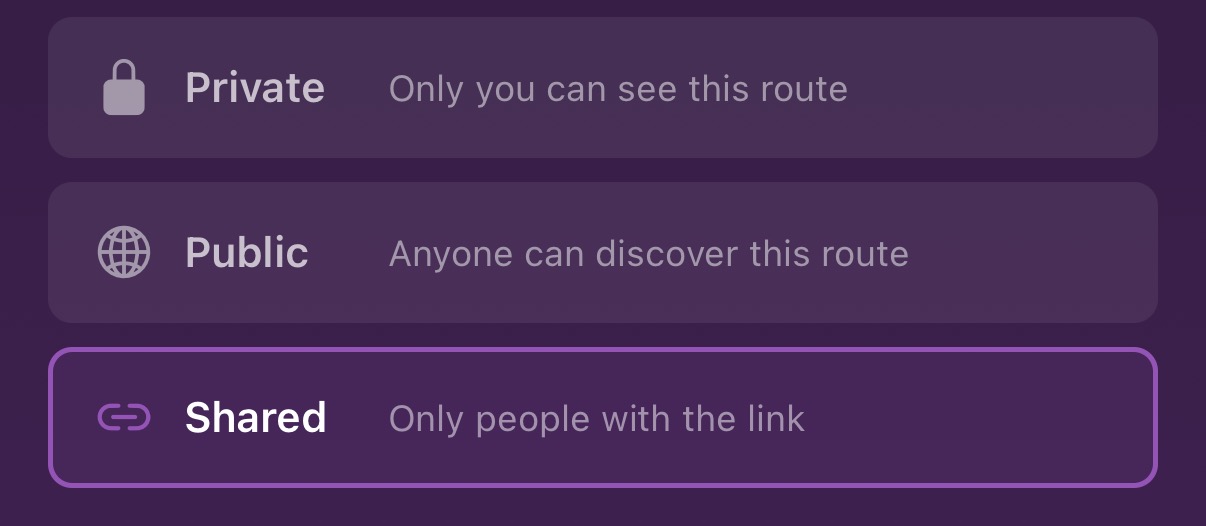
This means you can build a route for your group without it showing up for the whole world, or publish it for everyone if you want.
Share a Link, No App Required
Hit the share button on any route and you'll get a link like thepubcrawlapp.com/route/abc123. Send it to your group chat and everyone can see the full route right in their browser — venues, walking distances, ratings, and a map.
If they have the app, the link opens it directly. If they don't, they get a web page with everything they need to see what's planned.
Public Routes on the Web
Public routes now have their own page on the web. Google can index them, so if someone searches "pub crawl Dublin" they might find yours. Each page includes venue photos, ratings, walking times between stops, and a button to start the crawl in the app.
You can also browse public routes by city at thepubcrawlapp.com/routes.
This update is live now on iOS and Android. If you've built a route you're proud of, set it to public and share it — we'd love to see it. Tag us on Instagram.